Creating a home workspace that feels inviting and supports your productivity can make a world of difference in your work-from-home experience. Whether you’re setting up a dedicated office or a small nook, combining coziness with functionality helps you stay focused and comfortable throughout the day. Here are some helpful tips to create the perfect home workspace tailored to your needs.
Choose the Right Location
Finding the ideal spot is the first step in designing your workspace. Consider these factors when selecting your workspace area:
– Natural Light: Aim for a place near a window to take advantage of natural light. It boosts mood and reduces eye strain.
– Quiet Environment: Choose a low-traffic space where you won’t be easily distracted by household noise.
– Space Availability: Even a small corner can work if organized well.
Invest in a Comfortable Chair and Desk
Comfort is key to staying productive. Investing in quality furniture helps protect your posture and reduces fatigue.
– Ergonomic Chair: Look for adjustable chairs that support your lower back and allow your feet to rest flat on the floor.
– Proper Desk Height: Your desk should allow your arms to bend at about 90 degrees when typing or writing.
– Desk Surface: Ensure there’s enough space for your computer, notebooks, and any tools you regularly use.
Organize with Smart Storage Solutions
Clutter can distract and reduce productivity. Organize your materials to keep your space tidy and functional.
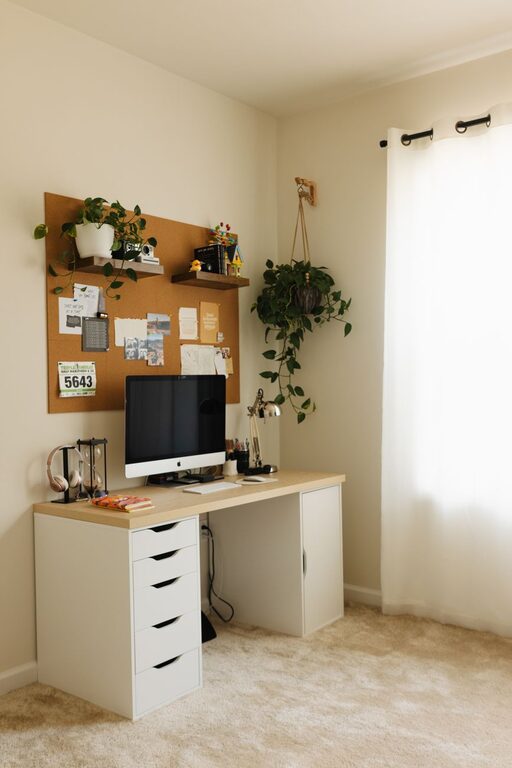
– Shelves and Cabinets: Use vertical storage to save floor space.
– Drawer Organizers: Keep stationery and small items neatly arranged.
– Cable Management: Use clips or sleeves to minimize cable tangles and keep your desk area clear.
Incorporate Personal Touches
Your workspace should inspire and motivate you. Personal touches add warmth and make the space inviting.
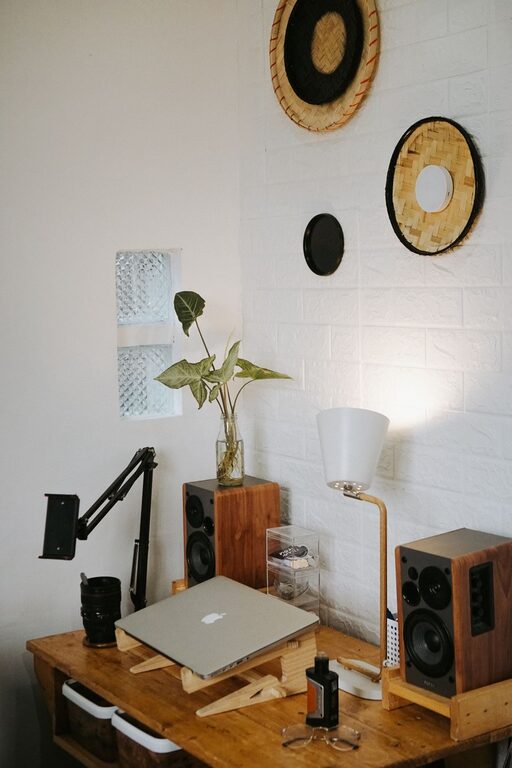
– Plants: Small indoor plants improve air quality and create a calming atmosphere.
– Artwork or Photos: Display items that inspire or bring joy.
– Decorative Items: Choose a few meaningful and simple décor pieces that don’t create clutter.
Maximize Lighting
Good lighting helps prevent eye strain and maintains energy levels during work hours.
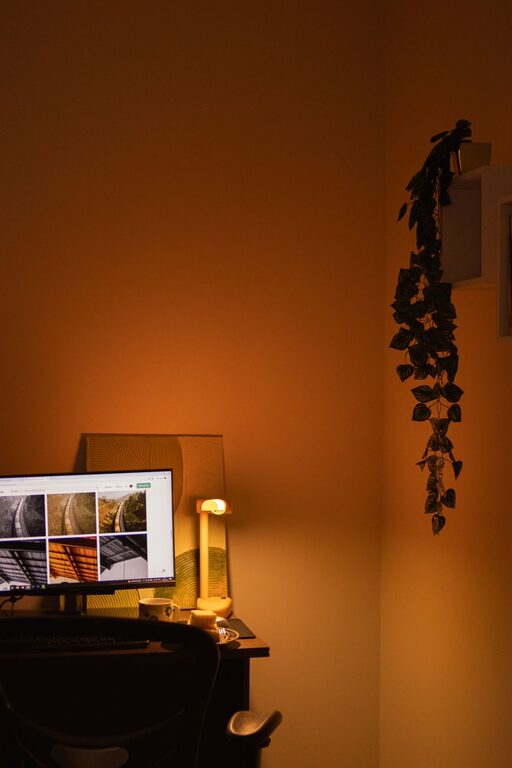
– Task Lighting: Use a desk lamp with adjustable brightness to focus light where you need it most.
– Avoid Glare: Position your computer screen to reduce glare from windows or lights.
– Ambient Light: Soft overhead or floor lamps can create a cozy atmosphere.
Keep Technology Efficient but Minimal
Technology is essential, but too many gadgets can overwhelm your space.
– Essential Devices Only: Keep only the technology you use daily on your desk.
– Wireless Options: Reduce cables with wireless keyboards, mice, and headphones.
– Charging Station: Designate a spot to keep devices charged and ready.
Create Zones for Different Tasks
If space allows, segment your workspace for various activities like computer work, reading, or brainstorming.
– Separate Desk and Reading Area: Use a comfy chair or small table for tasks that don’t require a computer.
– Whiteboard or Corkboard: Keep notes, reminders, or inspirational quotes visible to help stay organized.
Maintain Regular Cleaning and Decluttering
Your workspace’s coziness and functionality depend on how well you maintain it.
– Daily Tidy Up: Spend a few minutes each day putting things back in place.
– Weekly Deep Clean: Dust surfaces, vacuum floors, and clean your tech screens.
– Review Supplies: Remove items you no longer use to avoid clutter buildup.
Use Color and Textures Wisely
Colors and textures contribute to the mood of your workspace.
– Soothing Colors: Blues, greens, and neutrals tend to create calming environments.
– Accent Colors: Use brighter colors sparingly to energize the space.
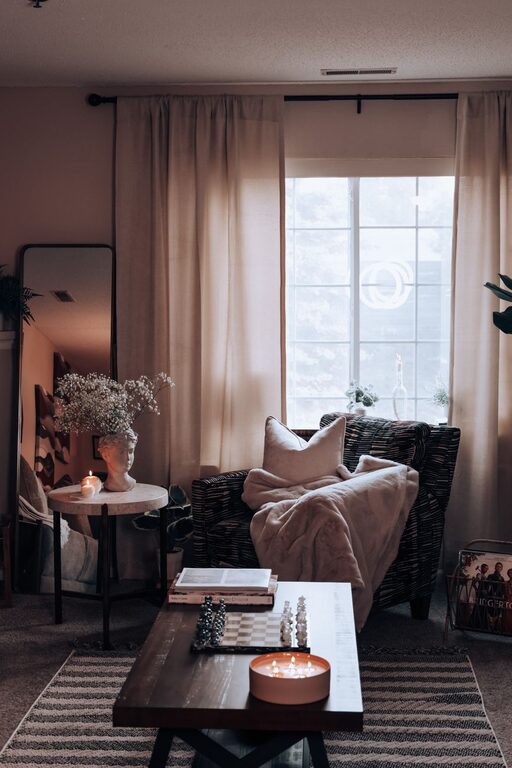
– Textures: Soft rugs, cushions, or curtains can add warmth without overwhelming.
Prioritize Air Quality and Comfort
A comfortable physical environment supports longer focus sessions.
– Ventilation: Open windows when possible or use an air purifier.
– Temperature Control: Dress in layers to stay comfortable or use a fan or heater as needed.
– Comfort Items: Have a cozy blanket or slippers nearby for added warmth on chilly days.
—
Designing a cozy and functional home workspace is about making the area welcoming and easy to work in. By carefully choosing your location, investing in quality furniture, keeping things organized, and adding personal touches, you create a space that encourages productivity and well-being. Start small, adjust as you go, and enjoy the benefits of a thoughtfully designed workspace every day.
About the Author