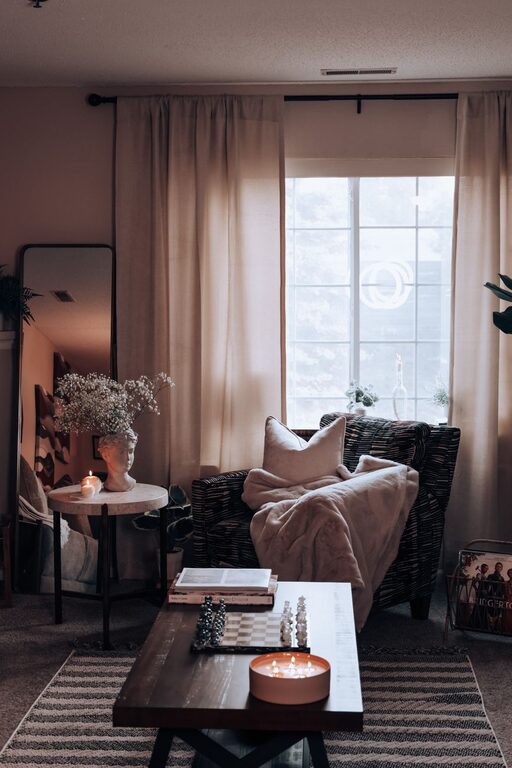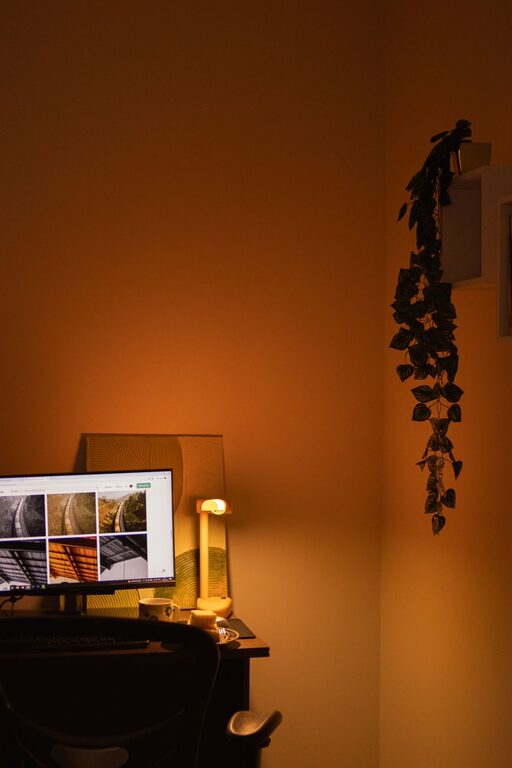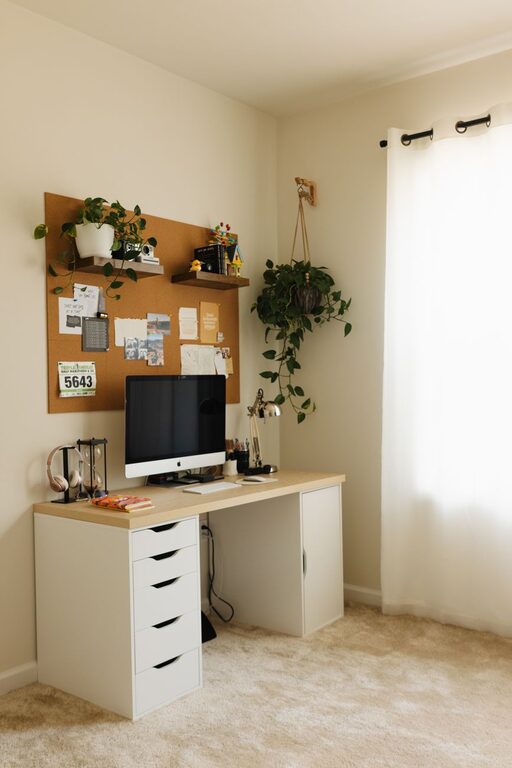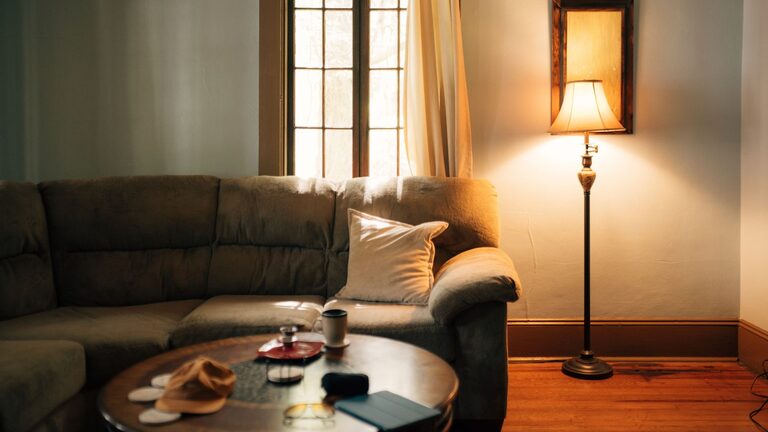
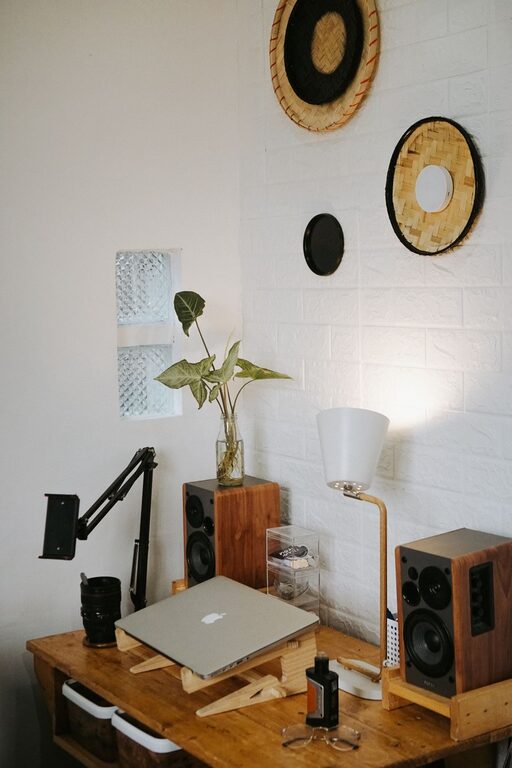
Creating a cozy and functional home workspace is more important than ever as many people spend significant time working remotely or pursuing creative projects. A well-designed workspace can boost your productivity, reduce stress, and make working from home more enjoyable. Whether you have a dedicated room or just a small corner, this guide will help you craft an inviting and efficient environment tailored to your needs.
Why a Cozy and Functional Workspace Matters
Working from home offers flexibility, but it also comes with challenges like distractions and poor ergonomics. A comfortable setup helps reduce physical discomfort and keeps you motivated. Meanwhile, functionality ensures you have everything you need within reach, minimizing interruptions and helping you stay organized.
Choosing the Right Location
Start by selecting the best spot for your workspace.
– Natural Light: Opt for a space with plenty of natural light. Sunlight improves mood and alertness.
– Quiet Area: Find a quieter part of your home to minimize noise and distractions.
– Space Availability: Even a small corner can work with the right setup.
– Separation: If possible, choose a spot separate from your relaxation areas to create a mental boundary between work and leisure.
Ergonomic Essentials for Comfort
Keeping your body comfortable and supported is key to avoiding fatigue and injury.
– Desk: Choose a desk height that suits your seating and allows your arms to rest at a 90-degree angle.
– Chair: Invest in an ergonomic chair with adjustable height and good lumbar support.
– Monitor Position: Position your screen at eye level to reduce neck strain.
– Accessories: Use an external keyboard and mouse if you work from a laptop for better posture.
– Footrest: Consider a footrest if your feet do not comfortably reach the floor.
Organizing Your Workspace for Efficiency
A clutter-free space helps maintain focus and reduces stress.
– Storage Solutions: Use shelves, drawers, or filing cabinets to keep supplies organized.
– Desk Organization: Keep essential items like notebooks, pens, and chargers within easy reach.
– Cable Management: Use clips or tubes to organize cables and prevent tangling.
– Daily Declutter: Spend a few minutes at the end of each day tidying your desk.
Infusing Cozy Elements
Adding warmth and personality to your workspace can make it a place you look forward to spending time.
– Soft Textiles: Add a comfortable cushion to your chair or a small throw blanket.
– Plants: Incorporate greenery for a calming atmosphere and improved air quality.
– Lighting: Use a desk lamp with adjustable brightness for a cozy glow, especially in the evening.
– Personal Touches: Decorate with photos, artwork, or inspirational quotes.
– Color Choices: Choose calming colors like soft blues, greens, or neutrals to create a relaxing environment.
Balancing Technology and Minimalism
While technology is essential, too much clutter can be overwhelming.
– Limit Devices: Keep only necessary technology on your desk.
– Wireless Options: Use wireless devices to reduce cables.
– Digital Organization: Keep your computer desktop and email inbox well-organized.
– Break Reminders: Use apps or timers to remind you to take short breaks and stretch.
Creating Zones Within Your Workspace
If your workspace is large enough, consider designating different areas for specific tasks.
– Focus Zone: A clean desk area free from distractions for intense work.
– Reference Zone: A spot for books, documents, or tools you often need.
– Relaxation Zone: A small comfortable chair for reading or thinking breaks.
Maintaining Work-Life Balance at Home
A workspace should support but not dominate your home life.
– Set Boundaries: Use your workspace only for work during defined hours.
– Pack Up Routine: At the end of the day, clear your workspace to signal the end of work.
– Use a Room Divider: If your workspace is in a shared room, use a divider or screen to create privacy.
Final Thoughts
Designing a cozy and functional home workspace doesn’t require expensive renovations. Thoughtful choices in location, ergonomics, organization, and personal touches go a long way in creating a comfortable environment that supports your work and wellbeing. Take your time to experiment, and remember that the best workspace is one that fits your unique workflow and style.
By investing effort into your home workspace setup, you’ll find it easier to stay focused, reduce stress, and enjoy your work-from-home experience.
About the Author