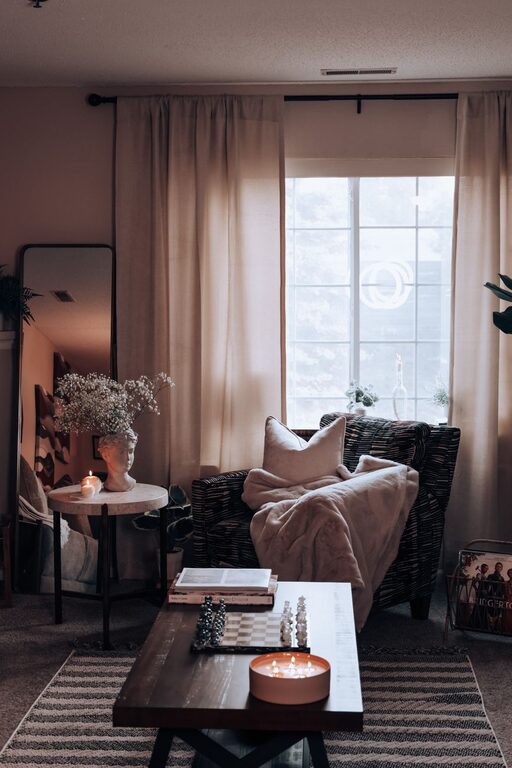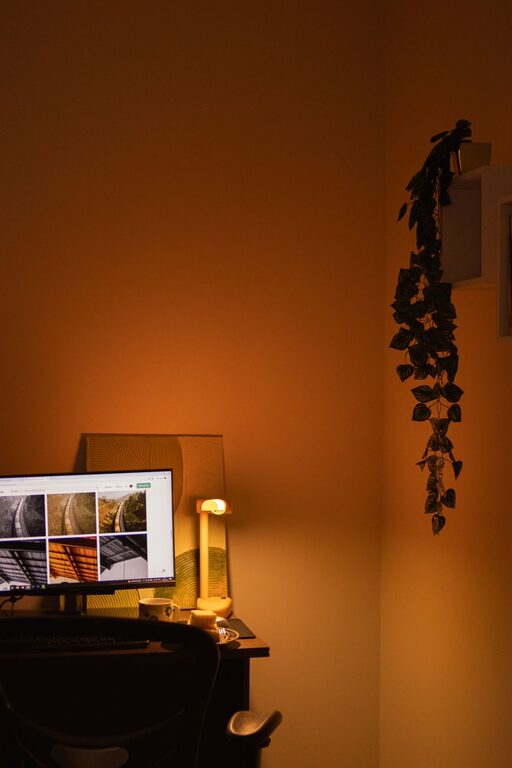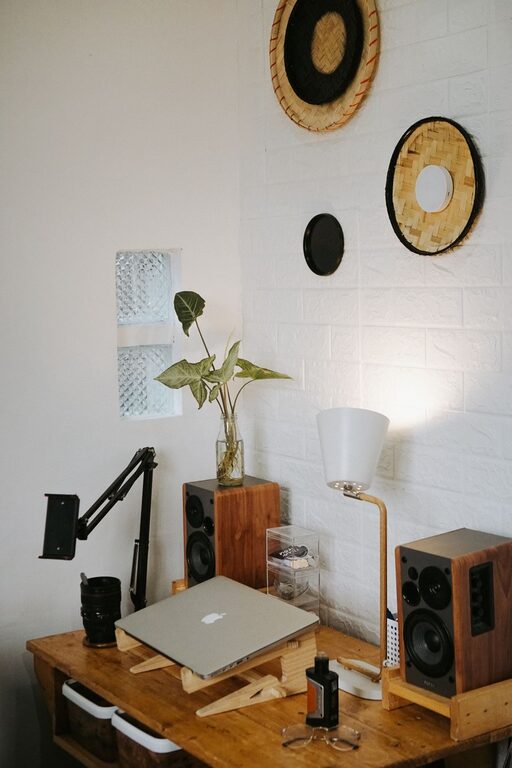
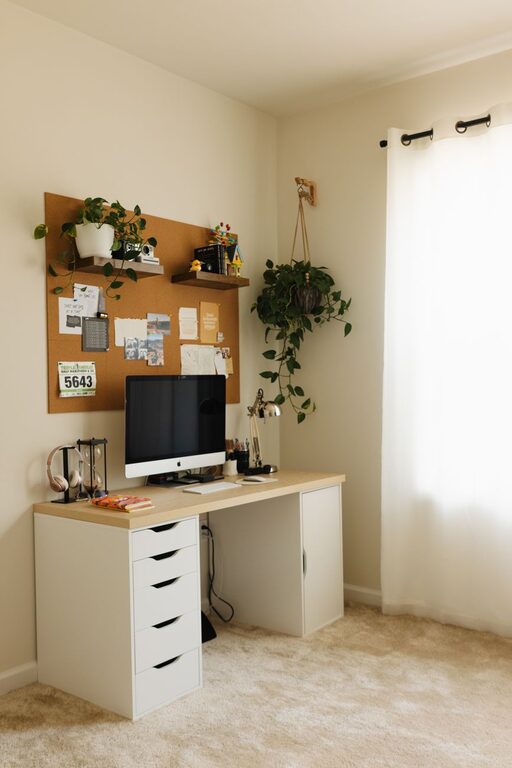
Creating a cozy and functional home workspace is essential for productivity and well-being, especially as remote work becomes more common. A well-designed workspace helps you stay focused, reduces stress, and makes working from home more enjoyable. This guide offers practical tips on how to create an inviting and efficient area that suits your needs.
Choose the Right Location
The first step in designing your home workspace is picking the right spot. Consider these factors:
– Natural Light: Choose a space with plenty of natural light. Sunlight helps improve mood and energy levels.
– Quiet Environment: Select an area away from high-traffic zones or noisy appliances to minimize distractions.
– Space: Ensure there is enough room for your desk, chair, and any equipment or storage you need.
If space is limited, a corner in the living room or bedroom can work with the right organization.
Invest in Comfortable and Supportive Furniture
Comfort plays a big role in maintaining productivity throughout the day.
– Ergonomic Chair: Select a chair with good lumbar support, adjustable height, and comfortable padding to reduce strain on your back.
– Desk: Choose a desk with enough surface area for your computer, paperwork, and any other essentials. Standing desks or adjustable desks can provide flexibility and improve posture.
– Footrest: If your feet don’t touch the floor comfortably, a footrest can help improve circulation.
Organize for Efficiency
An organized workspace helps keep distractions at bay and makes it easier to find what you need.
– Storage Solutions: Use shelves, filing cabinets, or baskets to keep papers and supplies tidy.
– Desk Accessories: Desk organizers, pen holders, and cable management systems reduce clutter.
– Minimalism: Keep only necessary items on your desk to maintain focus.
Personalize Your Space
Adding personal touches can make your workspace more inviting and boost your motivation.
– Decor: Add artwork, plants, or motivational quotes that inspire you.
– Colors: Choose calming colors like soft blues or greens for walls and accessories to create a peaceful atmosphere.
– Lighting: Use desk lamps with adjustable brightness to reduce eye strain and create a warm glow in the evening.
Optimize Technology Setup
Your technology should support your work, not complicate it.
– Monitor Position: Position your monitor at eye level to avoid neck strain.
– Keyboard and Mouse: Use ergonomic keyboards and mice to reduce wrist fatigue.
– Reliable Internet: Ensure your Wi-Fi connection is fast and stable to avoid interruptions.
– Headphones: Noise-canceling headphones can help if your workspace is near distractions.
Create a Routine-Friendly Space
Your workspace should support your daily habits and routines.
– Designate Work Hours: Create a schedule and stick to it to separate work time from personal time.
– Break Area Nearby: If possible, have a comfortable spot nearby for breaks to help you recharge.
– Keep Essentials Handy: Have water, snacks, and other essentials within reach to minimize interruptions.
Maintain a Healthy Work Environment
Your workspace should promote physical and mental well-being.
– Air Quality: Keep windows open when possible or use an air purifier to ensure fresh air.
– Ergonomics: Take regular breaks to stretch and move around.
– Temperature: Keep the room at a comfortable temperature; a fan or heater can help regulate conditions.
Adapt and Evolve Your Workspace
Your needs may change over time, so it’s important to keep your workspace flexible.
– Regular Reviews: Periodically assess what works and what doesn’t.
– Adjust Layout: Rearrange furniture or equipment as needed.
– Add Tools: Consider adding new productivity tools or decor to keep your space inspiring.
—
Creating a cozy and functional home workspace doesn’t require a complete overhaul. By focusing on comfort, organization, and personalization, you can design a space that helps you stay productive and feel good throughout your workday. Start small and make adjustments to find what works best for you.
About the Author